Compare FDM and SLA 3D printing. We explain thermoplastic deposition and resin printing, along with layer height and infill choices.
A 3D printer builds an object layer by layer from a digital model. FDM and SLA differ mainly in their materials and how those layers are formed. The right choice depends on what your part needs to do.
You do not need to know every setting.
Send us your model and describe its purpose. We will review it and recommend the technology, material and production approach.
01 / CHOOSING A TECHNOLOGY
FDM or SLA?
One goal, two different processes.
FDM / FILAMENT PRINTING
Plastic filament, deposited in layers.
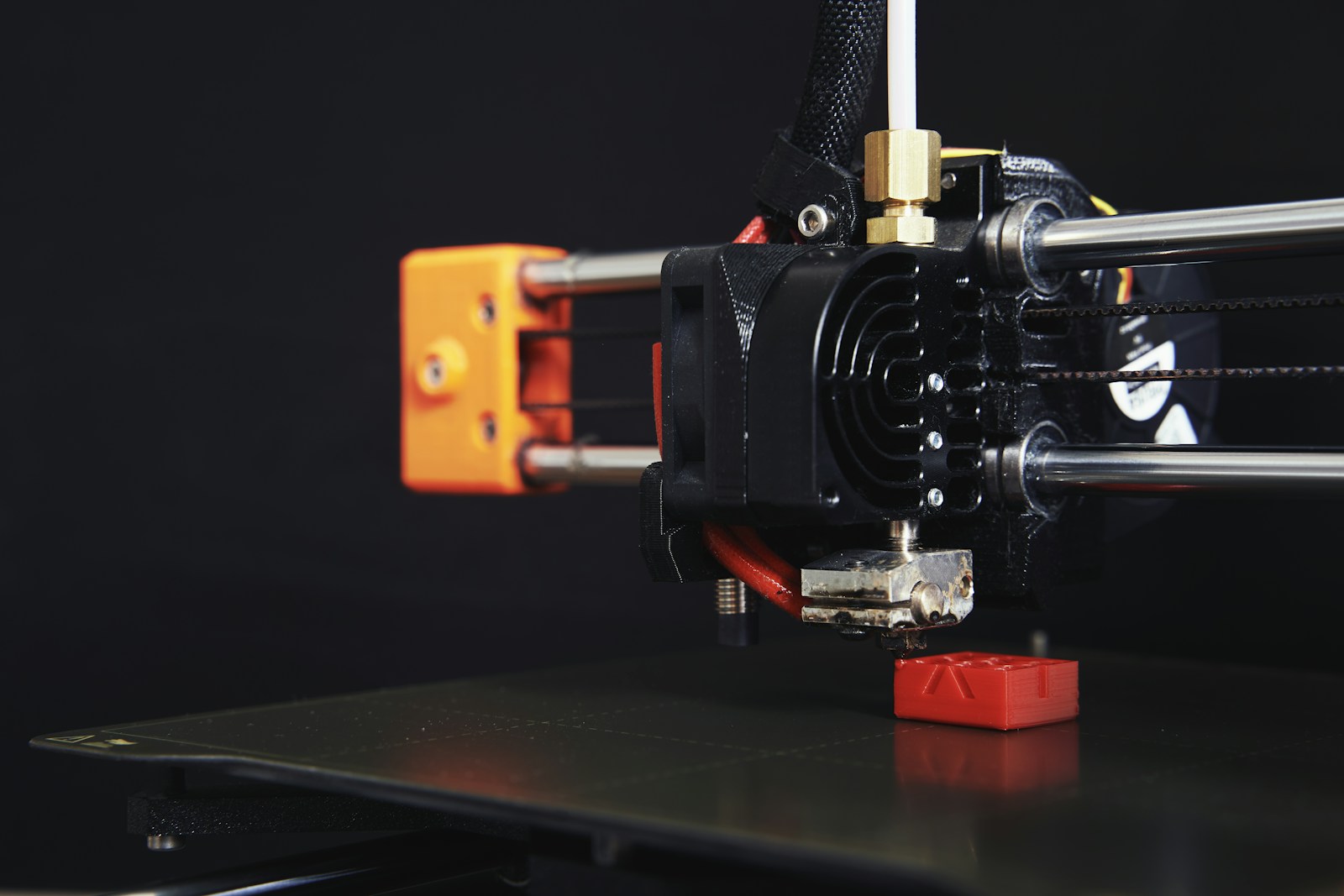
Filament is a plastic strand supplied on a spool. The printer heats it and deposits it precisely through a nozzle. The part gradually grows from the bottom up.
Suitable for: architectural models, enclosures, brackets, holders and engineering parts.
Advantages: a broad choice of thermoplastics, with adjustable walls and interiors.
Keep in mind: layers are visible and strength also depends on print orientation.
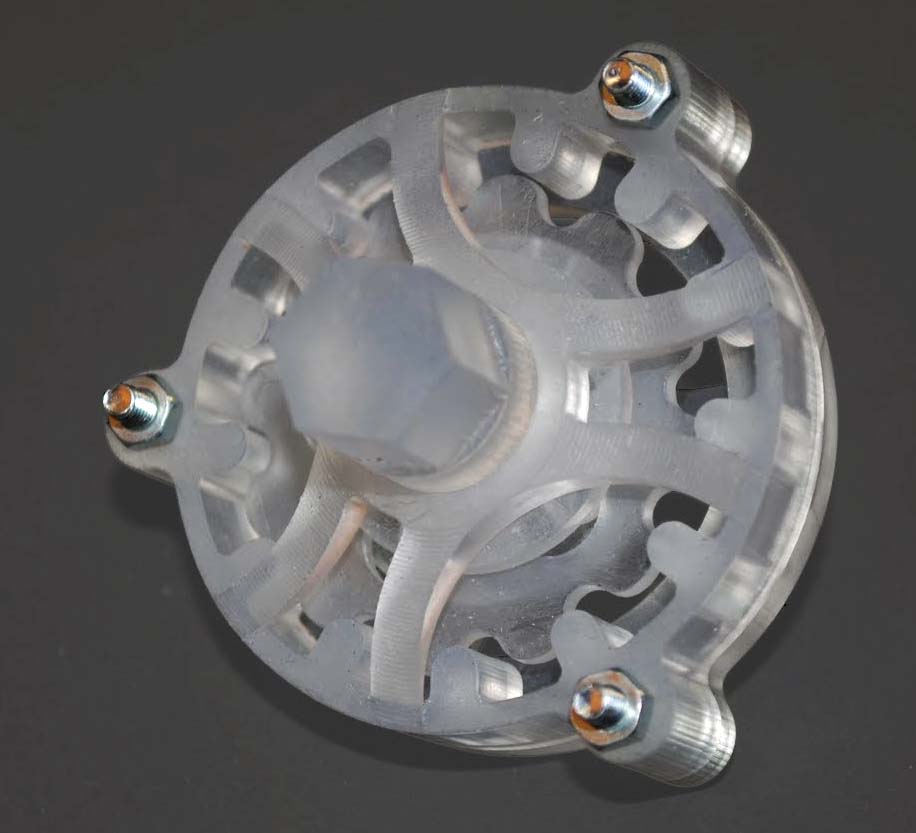
Light cures selected areas of liquid resin, layer by layer. We then clean and post-cure the printed part using the process required for the selected material.
Suitable for: small details, presentation models and precisely shaped prototypes.
Advantages: fine detail and generally smoother surfaces.
Keep in mind: standard and engineering resins can have very different properties.
Visible layer lines; a good choice for many functional products.
Generally less visible layers and better reproduction of fine detail.
Material selection
PLA, PETG, ABS, ASA, TPU, PA, PC and composites.
Standard, tough, flexible and other engineering resins.
Mechanical applications
We adapt the material, layer orientation and walls to the loads.
We select a resin with suitable properties; a smooth surface alone does not mean greater strength.
Inside the part
Can contain a lattice infill and multiple outer walls.
Solid or hollow; hollow parts require drainage openings.
Support structures
Used under overhangs where needed; removal may leave marks.
Often needed during printing; contact points may require finishing.
Price and lead time
Depend on size, material, printing time and finishing.
Depend on resin, geometry, supports, washing and curing.
The most expensive or detailed option is not always the most suitable.
Appearance may matter most for a display model, load capacity for a bracket, and temperature and fit for an enclosure. We prepare a quote after reviewing these requirements.
02 / SURFACE APPEARANCE
What is layer height?
It is the thickness of one printed layer. On curved or sloped surfaces, layers look like small steps. Thinner layers make those steps smaller.
0.12 mm
Finer layers
For smoother slopes and curves. Printing usually takes longer.
250 layers at a height of 30 mm0.20 mm
A balanced choice
Often a practical starting point for functional parts where very fine detail is not the priority.
150 layers at a height of 30 mm0.28 mm
More visible layers
For simpler shapes where visible layers are acceptable. Also depends on the nozzle.
Approximately 107 layers at a height of 30 mm
Enlarged schematic sections of the same shape. The dashed curve shows the intended shape. Layer counts are simplified calculations; these are not surface photographs or quality guarantees.
When should you choose finer layers?
When visible detail, curves or presentation quality matter. On flat vertical walls the difference may be less noticeable. For a part hidden inside a machine, the right construction may matter more.
What about SLA?
For SLA, we choose layer height after reviewing the model, resin and desired appearance. Leave that setting to our advice in the form. Bambu Studio settings apply to FDM printing.
A 0.12 mm layer does not mean a ±0.12 mm tolerance.
Layer height describes a printed layer; tolerance is the permitted deviation from a finished dimension. Tell us separately if a hole needs to fit a screw or two parts need to mate.
03 / INSIDE THE PART
Infill and walls work together.
An FDM part does not have to be completely solid. The outer shell forms the surface, while the inside may contain a lattice. Infill percentage describes the interior fill, excluding outer walls.
15 %
Lighter interior
For visual models and parts under low loads.
40 %
Denser interior
More material inside. We assess its value against the type of load.
100 %
Solid interior
Greater weight and material use. On its own, it does not guarantee adequate strength.
Schematic interior view. We adapt the actual pattern, density and wall count to the part.
Why do walls matter?
Outer walls carry a substantial share of the load. More appropriately positioned walls can be more useful than simply increasing infill. We also consider screws, clamping and local reinforcement.
SLA uses a different approach.
We can print the part solid or hollow it appropriately. Hollow parts need resin drainage and access for cleaning. We decide this after reviewing the model.
04 / PREPARING FOR PRODUCTION
Three more factors we check.
01
Print orientation
The same part can be printed flat or upright. This changes layer direction, supports and surface appearance. For FDM, we consider the direction of the load.
02
Supports and finishing
Overhangs sometimes need temporary supports. Removing them can leave marks. Tell us which surfaces will be visible and what finish you expect.
03
Dimensions and fit
Mark critical holes, threads and mating surfaces on a drawing. We can agree on a test piece where needed. Dimensional requirements are confirmed separately.
AT A GLANCE
A straightforward glossary.
Filament
Plastic strand on a spool, used for FDM printing.
Resin
Liquid material cured by light in SLA printing.
Toughness
A material's ability to absorb impact or deformation before breaking.
Stiffness
Resistance to bending. A stiff material is not necessarily impact-resistant.
Hardness
Resistance of the surface to indentation. Flexible materials are often rated on the Shore scale; hardness is different from stiffness or strength.
Heat resistance
The ability of a part to retain usable shape and properties at a given temperature. Duration of heating and applied load also matter.
Tolerance
The permitted deviation from a required dimension.
STL / STEP / 3MF
File formats containing the geometry of a part. You can also add a PDF with dimensions and requirements.
Next, the right material.
Compare the benefits of PLA, PETG, ASA, TPU, engineering filaments and resins.